.webp)
.webp)
The MCP built for robot data
Connect Claude, Cursor, or Codex to your fleet in one command. Search every run, compare missions, and write reports in your editor.
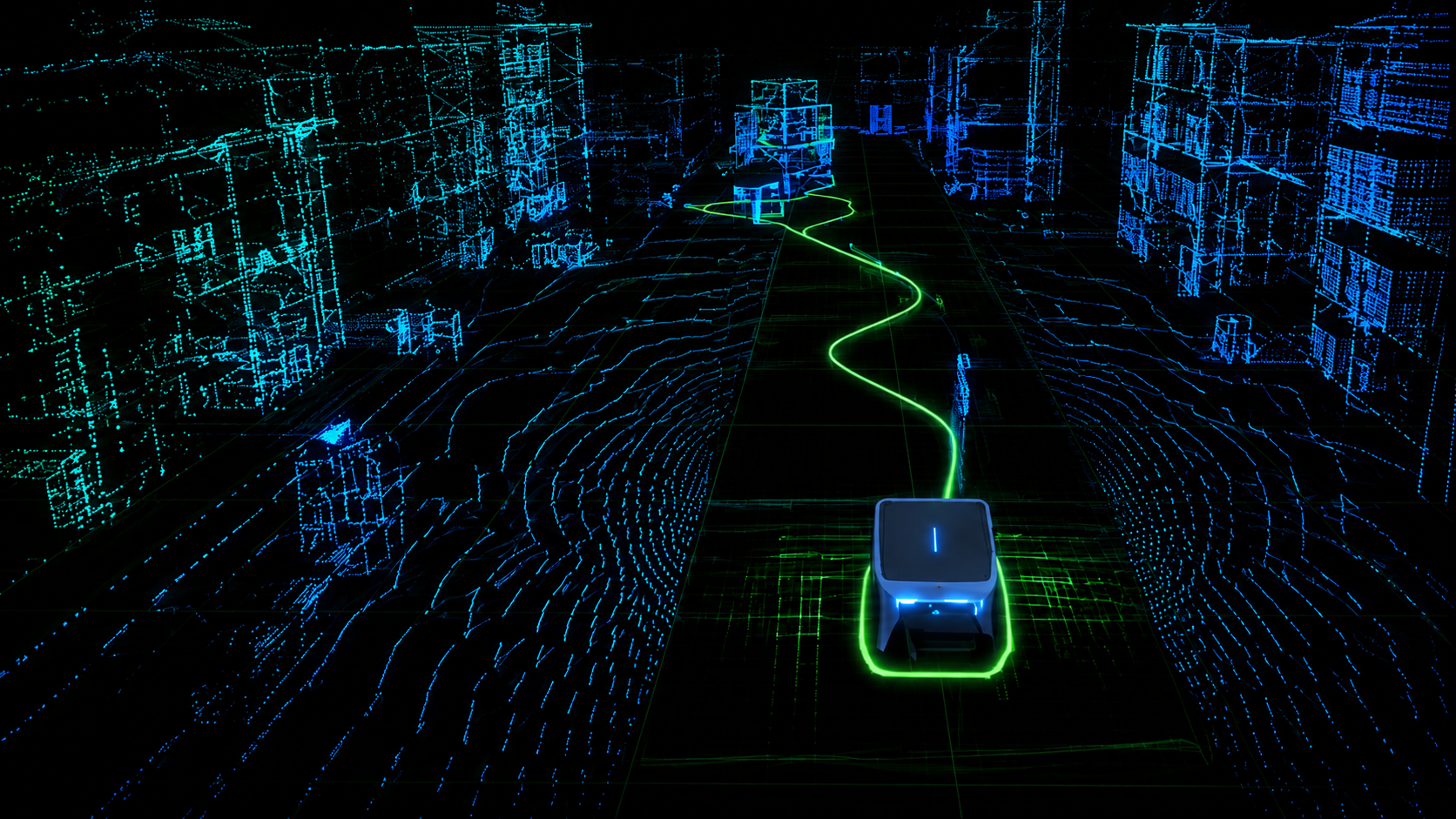
Search across your fleet
Find the failures across ten flights, not one.
Picks up where you left off
Analyse once. Alloy remembers next session.
Grounded in your data
Real telemetry, not surface-level guesses.
Read-safe by default
Deletes stay UI-only. Your agent never holds the keys.

Your agent, fluent in MCAP.
Ask what went wrong. Your agent queries the real data through the MCP, runs the checks, and hands back the root cause. All grounded in what happened, not a guess.

From recording to agent-ready in seconds
The moment a recording lands, Alloy gets it ready for your agent. Every run is queryable through the MCP within seconds.
step one
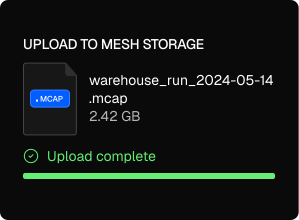
Upload
Web upload, device upload, or a watched folder. Every MCAP your fleet records lands in one place automatically.
step Two
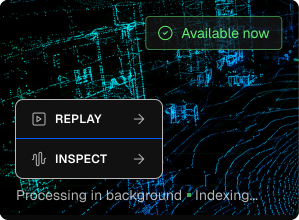
Dig in instantly
Replay and Inspect go live the second a file lands. Start debugging the run while indexing finishes in the background.
step Three
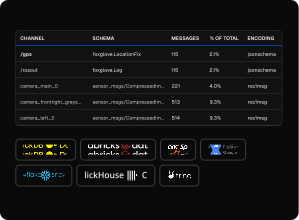
Ask your agent
Once indexed, your agent queries the recording server-side through the MCP and gets back just the slice that matters.
Want the setup details?
Stop stitching robot data together by hand
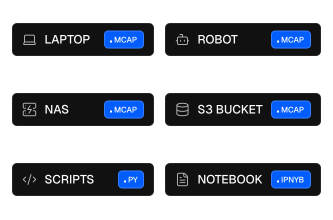
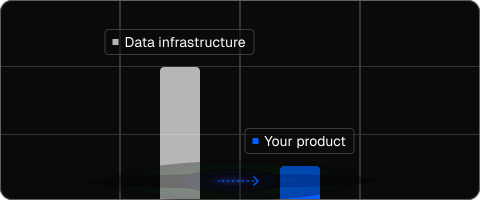
Your data is scattered across laptops, robots, S3, and one-off scripts. Alloy pulls it into one queryable layer, so your agent can search every run instead of the one file in front of it.
Before Mesh Storage
After Mesh Storage
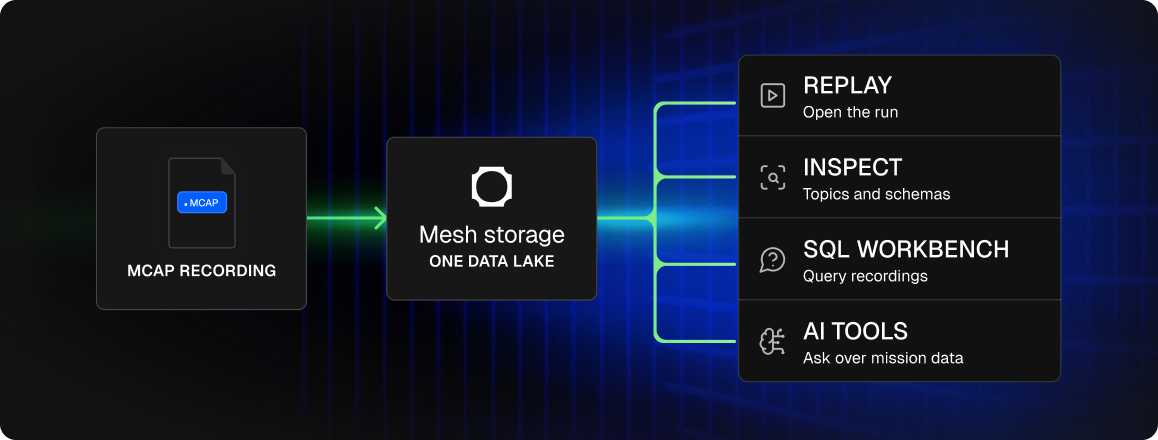
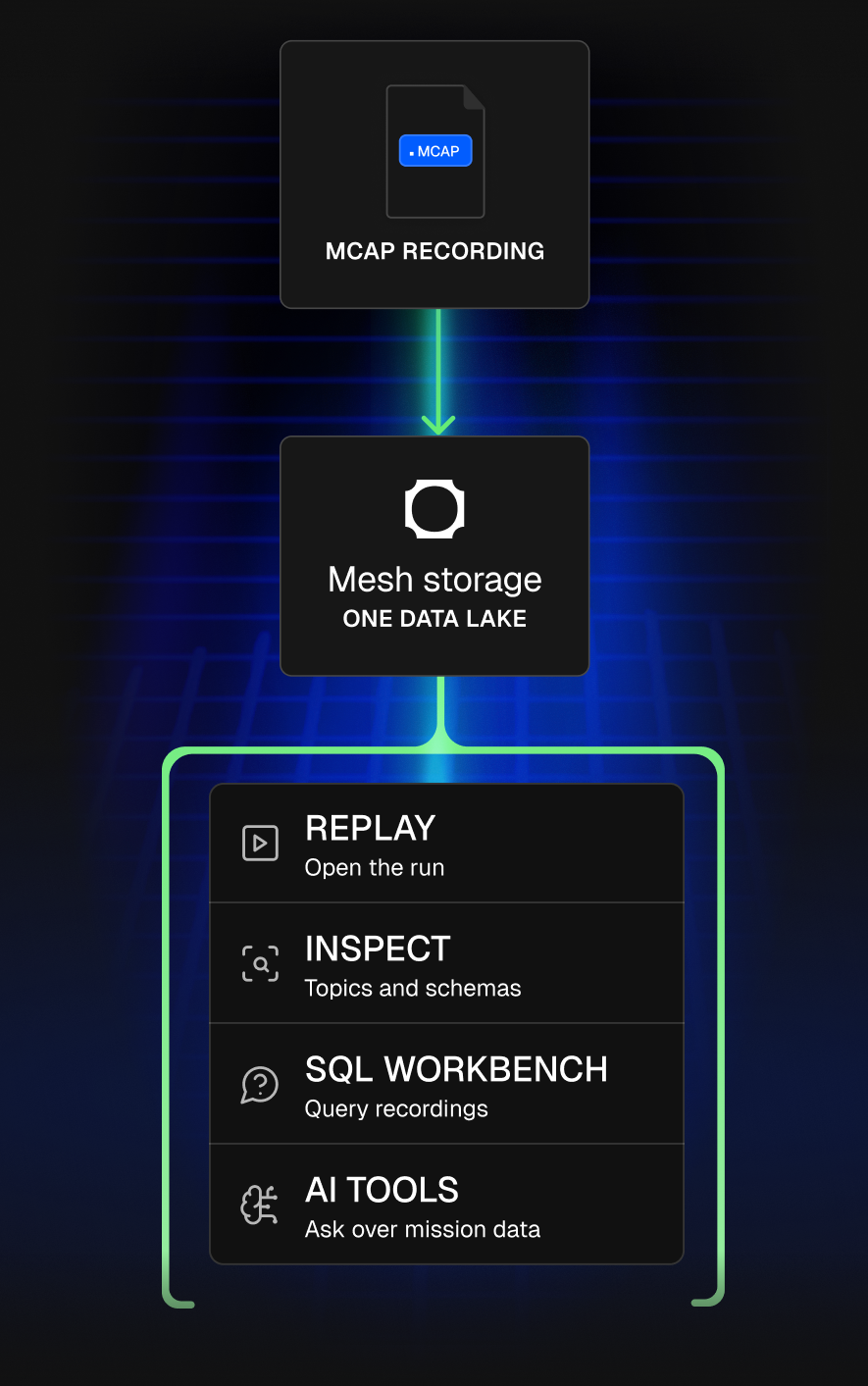
From scattered recordings to one usable robot data layer.
Move faster with your robot data
Spend less time on data plumbing. Ship better robots.
Debug faster
Ask your agent what went wrong and get the answer in seconds, not an afternoon of scrubbing logs.

Analyze your whole fleet
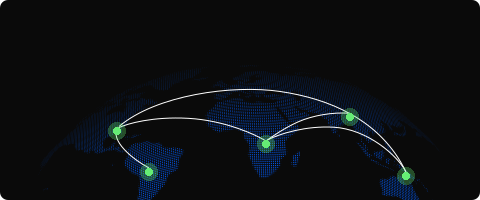
Find the pattern across every run, not just one. Your agent queries the whole fleet at once, with no exports and no waiting on a data engineer.
Ship faster
Go from question to fix without leaving your editor. Discover the issue in Alloy, implement it in Codex.
Less overhead
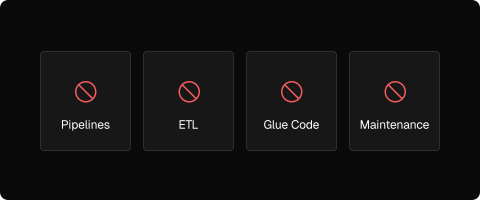
No pipelines, no glue code, no data team. The MCP does the heavy lifting server-side, so there is nothing to build or maintain.
One queryable layer. Every agent reads the same data.
Work with the tools you already use
No changes to your workflow. Just connect and go.








query anywhere. Replay anywhere. Export anytime
Frequently Asked
Yes. Alloy is SOC 2 Type II compliant. Your data is encrypted in transit and at rest. Data is never shared across customers or used for model training.
Alloy is a data platform built for robotics teams. It stores your MCAP and ROS bag recordings in managed, open-format storage and lets you analyze them in plain English through an MCP server that connects to AI tools like Claude, Cursor, and Codex. Unlike a general data warehouse, it is purpose-built for multimodal robot data such as telemetry, video, and sensor logs, and it lets an AI agent query across your whole fleet rather than one file at a time.
Connect the Alloy MCP server to your AI tool. Alloy exposes a Model Context Protocol server at one URL that Claude Code, Codex, Cursor, ChatGPT, and Notion AI connect to with a single command and a browser-based OAuth login, with no API keys to manage. Once connected, your agent can search missions, query recordings, and pull back results inside your editor, because the MCP queries your real MCAP recordings server-side instead of opening the files itself.
Not directly in a useful way. Codex and Claude cannot natively ingest MCAP files, and a single robot can log around a terabyte of data per day, far more than any model's context window can hold. The Alloy MCP solves this by querying your MCAP recordings server-side and returning only the relevant slice, so the agent gets a grounded answer without parsing raw logs or exhausting its context.
Because raw robot logs are too large to fit in a context window. When an agent like Codex scans local MCAP files, it spends its context just figuring out which runs are relevant and has little left to reason about the failure. Alloy's MCP does the scanning and filtering server-side and hands back a compact, structured result, so the agent's context stays clean. This is why comparing ten or fifteen runs works through Alloy but stalls with a raw agent.
The Alloy MCP is a Model Context Protocol server that lets AI agents query your robot data in plain English. It acts as a search engine over terabytes of MCAP recordings: the agent asks a question, Alloy runs the query against your real recordings server-side, and returns just the slice that matters. It exposes robotics-specific tools for listing missions, searching instances, and querying data, and it can return a replay link that opens the run in the Alloy app when you want to see it visually.
Raw Codex or Claude cannot open MCAP files and run out of context on large logs, so they tend to guess or surface irrelevant suggestions. Alloy connects to those same agents through its MCP and does the data work server-side, returning grounded results from your actual recordings. The difference is that Alloy keeps the agent's context clean and every answer traceable to a real query, which is what makes cross-fleet analysis and reliable root-cause work possible.
No. The Alloy MCP is read-safe by design. Destructive actions such as deleting devices or files, rotating keys, and resetting configs stay in the dashboard UI and are never exposed to the agent. The agent can read and query your data, but it never holds keys that could change or delete it.
No. Alloy works with the MCAP you already record. You can upload from the web, push from devices, or point Alloy at a folder your recorder already writes to, with no changes to your capture stack. If your robot writes MCAP, it works.
Add the Alloy MCP server URL to your AI tool and authenticate once in the browser. For Claude Code it is a single command; for Cursor, Windsurf, and Codex it is one entry in the MCP config; for Claude Desktop it is added as a custom connector. Authentication uses OAuth, so there are no API keys to copy or rotate, and the connection persists for your session.
The Alloy MCP exposes robotics-specific tools rather than generic file access. They include listing and summarizing missions, semantic search across instances such as images, logs, and signals, natural-language data queries that the agent turns into SQL, read-only SQL against your data lake, and report creation. The agent calls these optimized tools against your indexed recordings, which is why it returns grounded results instead of guessing.
Alloy indexes every recording into queryable tables and does the heavy lifting server-side. When your agent asks a question, Alloy runs the query against those tables and returns only the matching slice, so a terabyte of telemetry never enters the context window. The agent receives a compact result set it can reason over, which keeps answers fast and grounded even across a whole fleet.
