Your robot data, finally usable
Upload an MCAP and immediately inspect, replay, query, or use via MCP. No ETL, no custom data lake, no waiting to start debugging.
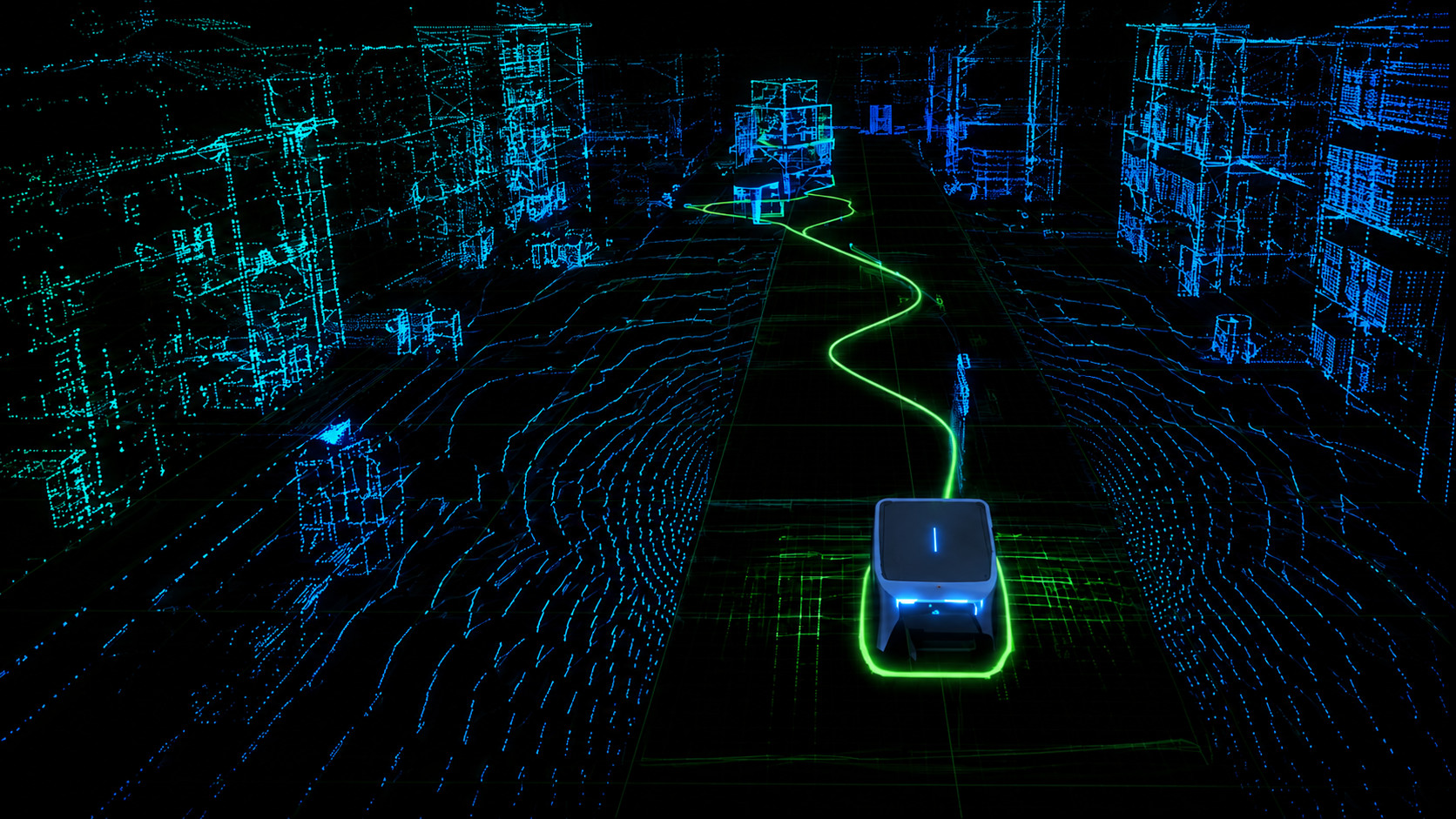
 5 minute set upGet started in minutes, not days.
 Start debugging immediatelyNo wasting time on custom pipelines and formatting.
 SQL + MCP readyQuery with SQL or connect to Codex, Cursor, Claude Code.
 $0.02 / GB /MonthSimple, predictable pricing
MCAP in. Everything out.
Drop in a recording once. Mesh Storage makes it available for Replay, Inspect, SQL Workbench, external Iceberg clients, and MCP-aware AI tools from the same data.
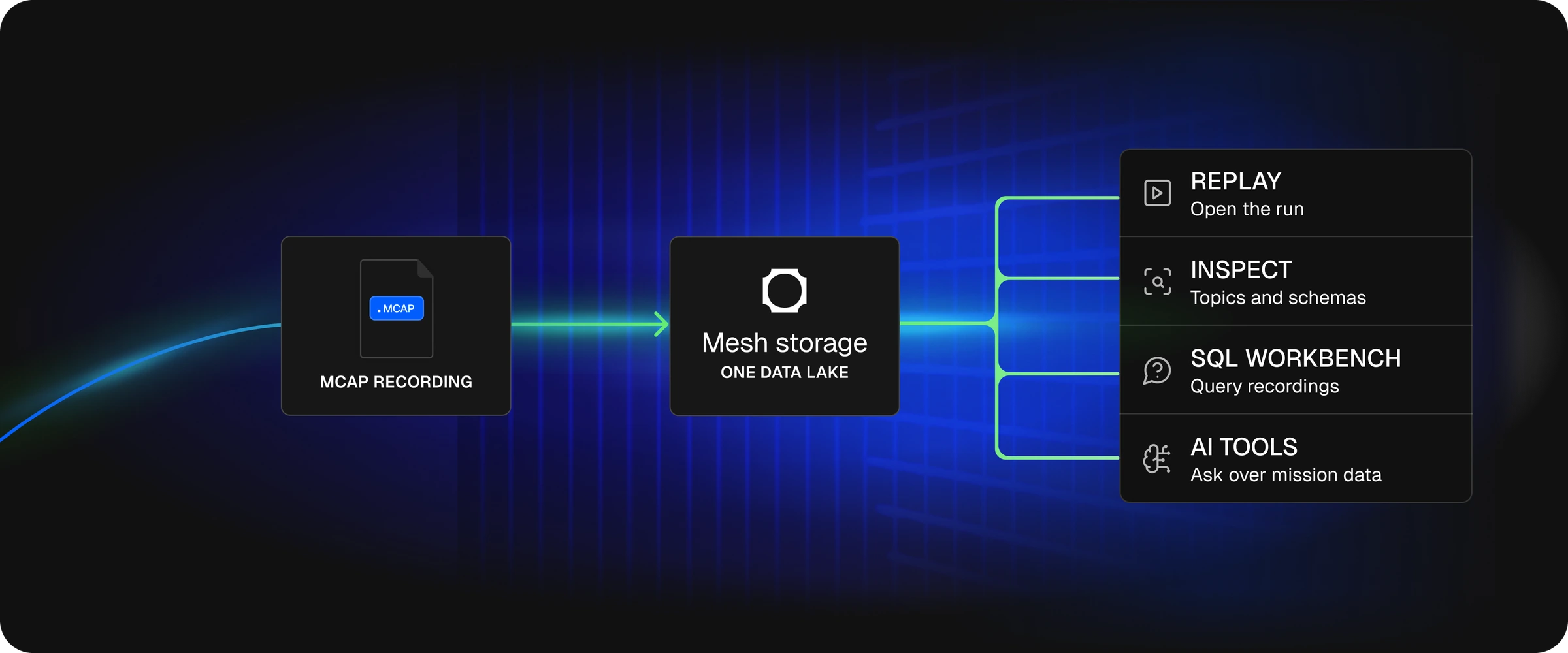
One upload. One source of truth. Every surface reads the same data.
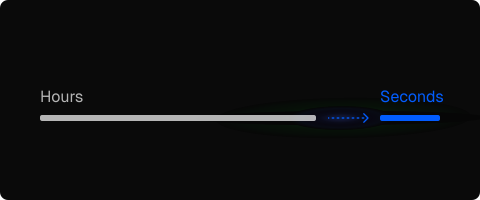
From upload to usable in seconds
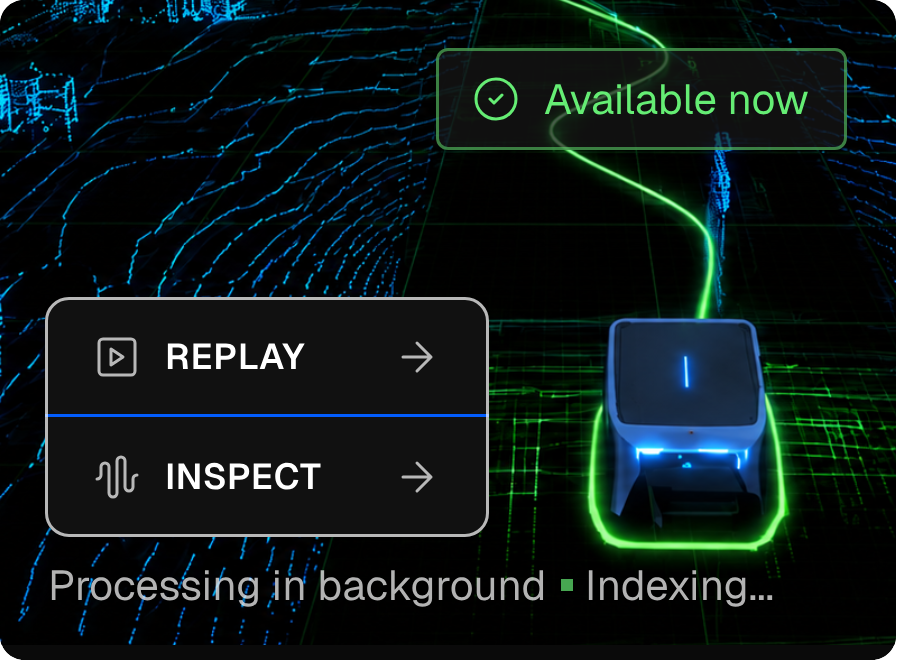
Replay and Inspect work as soon as the MCAP lands. Mesh Storage indexes the same recording for SQL, external clients, and AI tools in the background.
step one
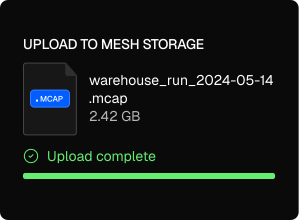
Upload
Web upload, device upload, or watched folder. MCAP files land in Mesh Storage.
step Two
Use immediately
Replay and Inspect work as soon as the file lands.
step Three
Query everywhere
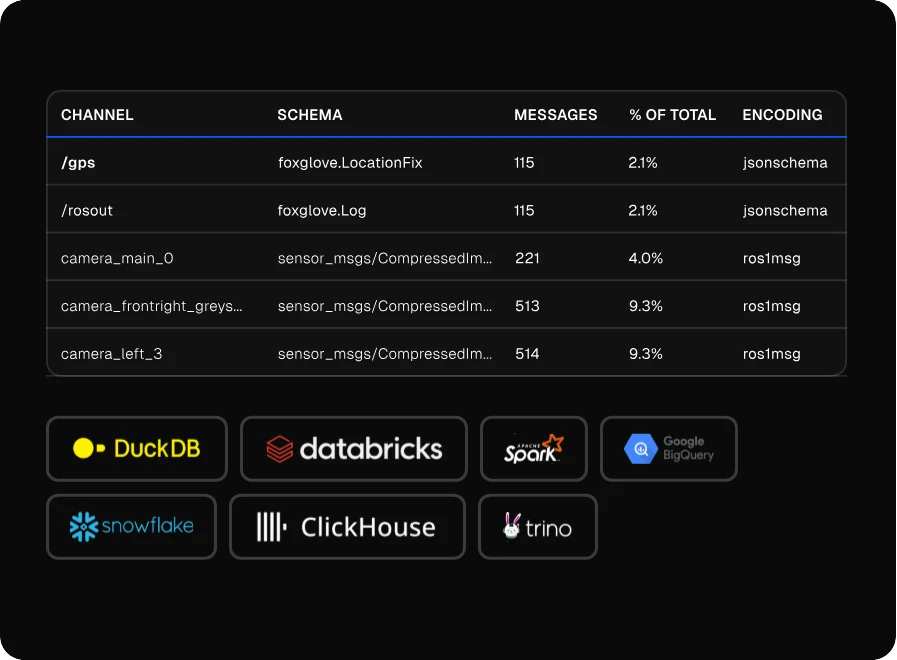
Alloy indexes recordings into queryable tables for SQL, notebooks and external clients.
 Replay before processing finishesStart debugging immediately.
 Works with existing MCAP workflowsNo changes to how you record.
 Open clients, no lock-inQuery how and where you want.
Want the setup details?
read the mesh storage quickstartStop stitching robot data together by hand
Mesh Storage replaces scattered MCAP files, one-off conversion scripts, and disconnected analysis tools with one upload path and one queryable source of truth.
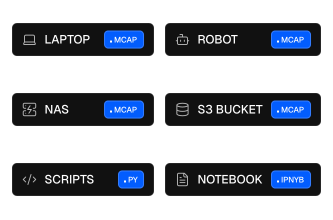

From scattered recordings to one usable robot data layer.
Fits the way robotics teams already record data
Keep your MCAP workflow. Mesh Storage adds upload, replay, inspect, query, and AI access without forcing a rebuild of your recording stack.
step one
Works with your MCAP workflow
Upload from the web, push from devices, or watch a folder your recorder already writes to.
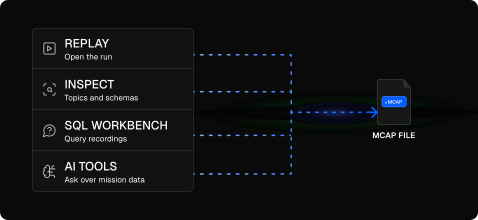
step Two
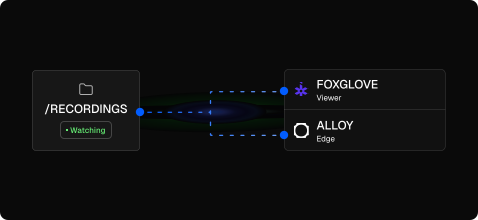
Coexists with Foxglove
Alloy Edge can watch the same recording directory as Foxglove Agent, so teams do not need to rip out their viewer.
step Three
Query robot recordings
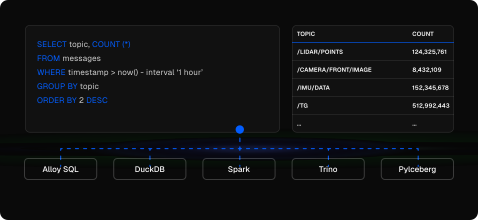
Run SQL across recordings through Alloy, DuckDB, Spark, Trino, or PyIceberg.
step Four
Open by design
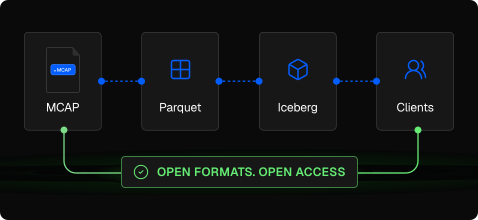
MCAP in, Parquet and Iceberg underneath, standard clients out.
Move faster with your robot data
Spend less time on data plumbing. Ship better robots.
Debug faster
Replay recordings in 3D. Zoom into the exact moment something went wrong, with full context.
Analyze everything
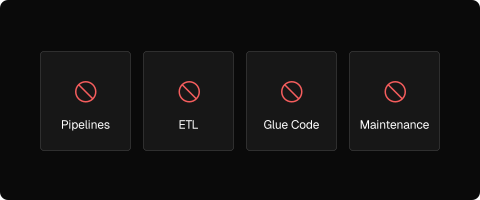
Run SQL across every recording. No exports, no pipelines, no waiting for a data engineer.
Ship faster
From recording to insight in minutes, not days. Your team moves at the speed of your data.
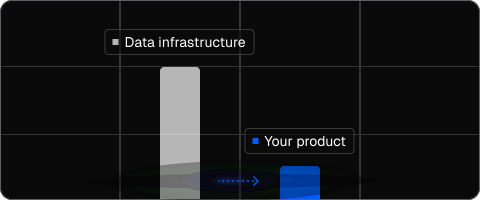
Less overhead
No infrastructure to maintain. No tooling to build. Just upload and go.
One upload. One source of truth. Every surface reads the same data.
Work with the tools you already use
No changes to your workflow. Just connect and go.








query anywhere. Replay anywhere. Export anytime
Simple pricing. No surprises.
Everything you need to store, query, replay, and run AI on robot data.
$0.02/ GB / month
- No egress fees
- No hidden costs
Most teams build this themselves with storage, pipelines, and tooling. Mesh Storage replaces all of it, for a fraction of the cost.
 Deploy before processing finishesStart debugging immediately
 SQL + AI readyQuery with SQL or connect to your favourite AI tools.
- $0.02 / GB /MonthSimple, predictable pricing
Frequently Asked
Is our data secure?
Yes. Alloy is SOC 2 Type II compliant. Your data is encrypted in transit and at rest. Data is never shared across customers or used for model training.
Do I need to use ROS2?
No. Mesh Storage works with any MCAP file regardless of what produced it. The Docker edge agent supports ROS2 out of the box (Humble and Jazzy), but the binary agent uploads any MCAP files it finds in a directory. If your robot writes MCAP, it works.
Does Alloy replace my existing tools?
Alloy replaces the custom scripts, manual charting, and wiki-based reporting that most validation teams maintain. It works alongside your existing infrastructure. You can keep using Grafana, JIRA, Slack, or S3. Alloy connects to what you already have.
How does pricing work?
$0.02 per GB per month. No egress fees. On S3, every time you or a tool reads your data, you pay. On Alloy, reads are free. For teams running SQL queries, connecting AI tools, and replaying recordings daily, this adds up fast. One price, no surprises, no penalty for actually using your data.
What happens to my data if I leave?
Your data stays in open formats. MCAP files go in. Underneath, Mesh Storage converts to Parquet and indexes with Apache Iceberg. You can connect DuckDB, Spark, Trino, or PyIceberg directly to your data at any time. There is no proprietary format and no lock-in. If you leave, your data is yours.
We have 50TB+ of historical test data. Can Alloy handle that?
Yes. Alloy is built for robotics-scale data. Storage is backed by Cloudflare R2 with no egress fees, so you are not penalized for querying your own data. The more data you upload, the more useful the search and analysis becomes.