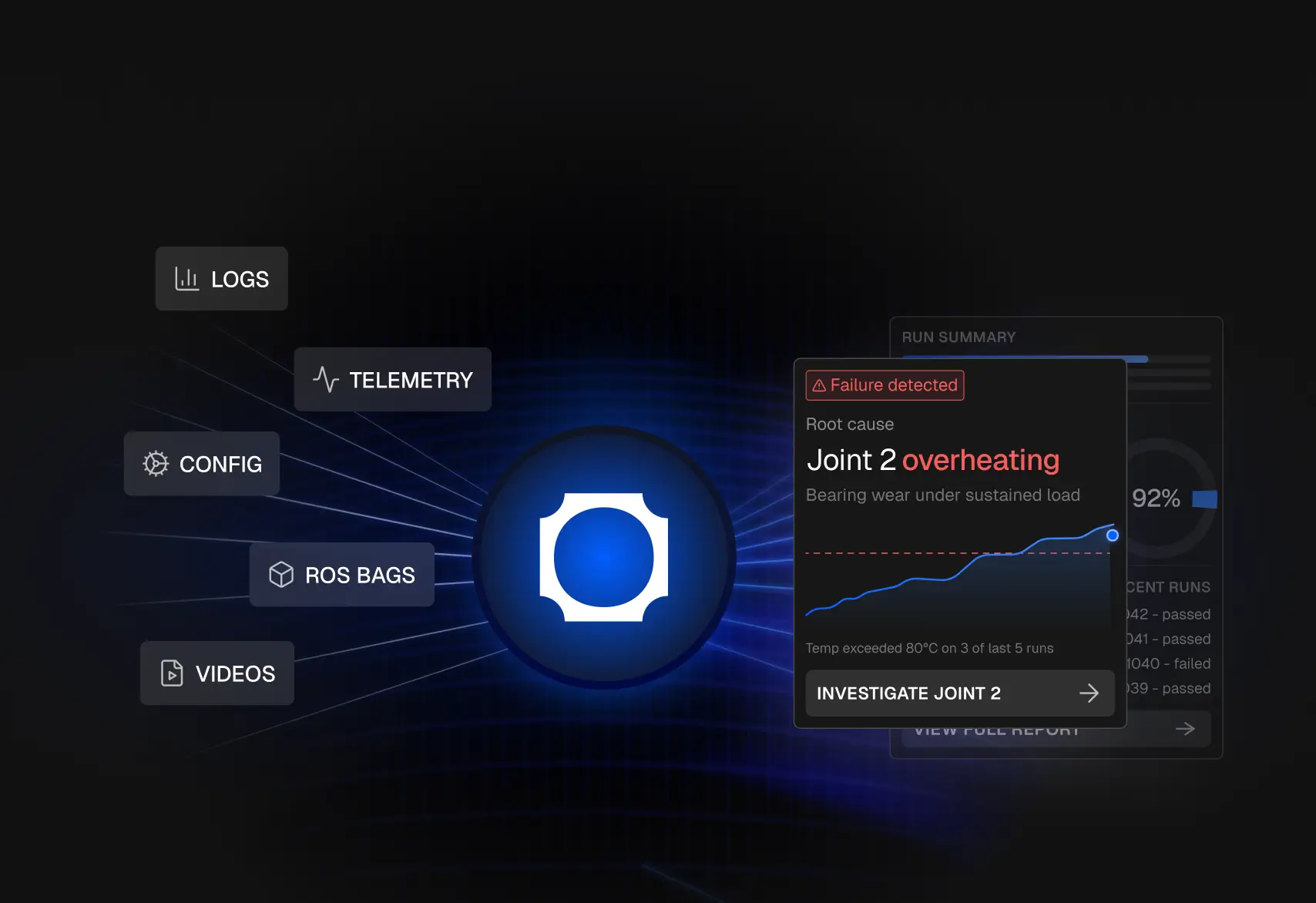
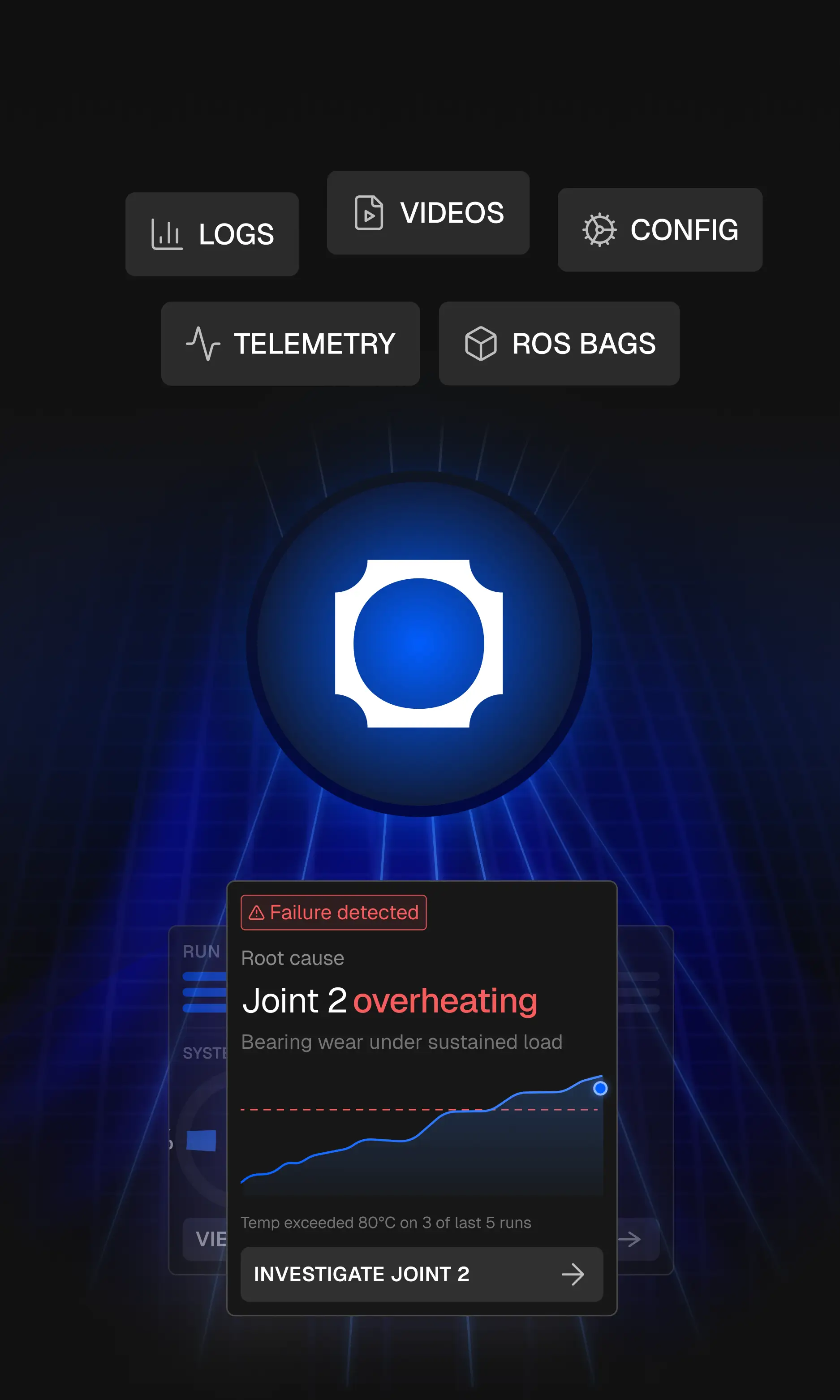
Your robot breaks.Find out why.
Capture data from your robots, store it at a fraction of the cost, and analyse it in plain English. All in one platform.
Book a demo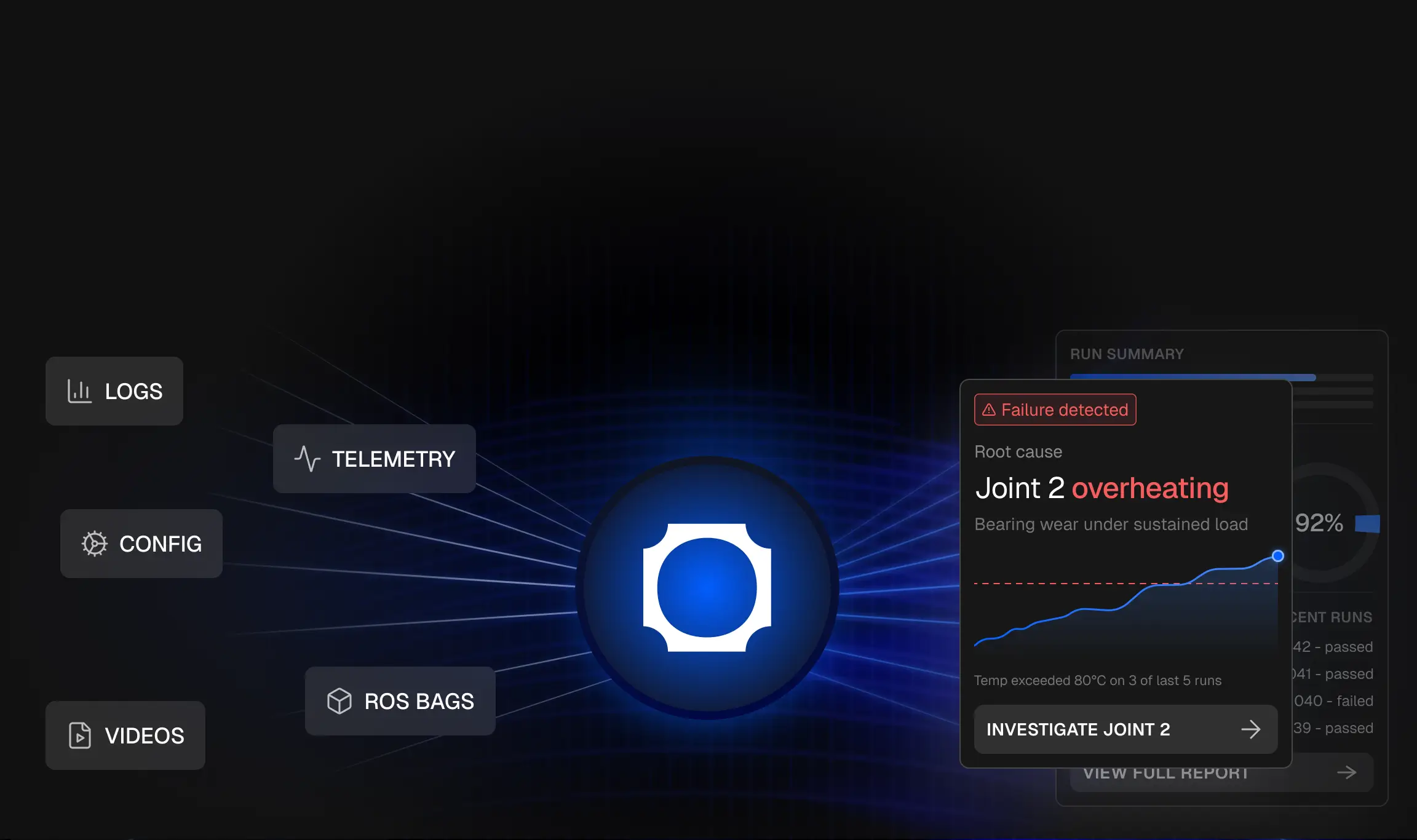
Ask questions. Get answers backed by robot data.
Alloy makes it faster, by letting anyone on your team ask questions directly to your robot data and get answers grounded in real missions, real telemetry, and real timestamps.










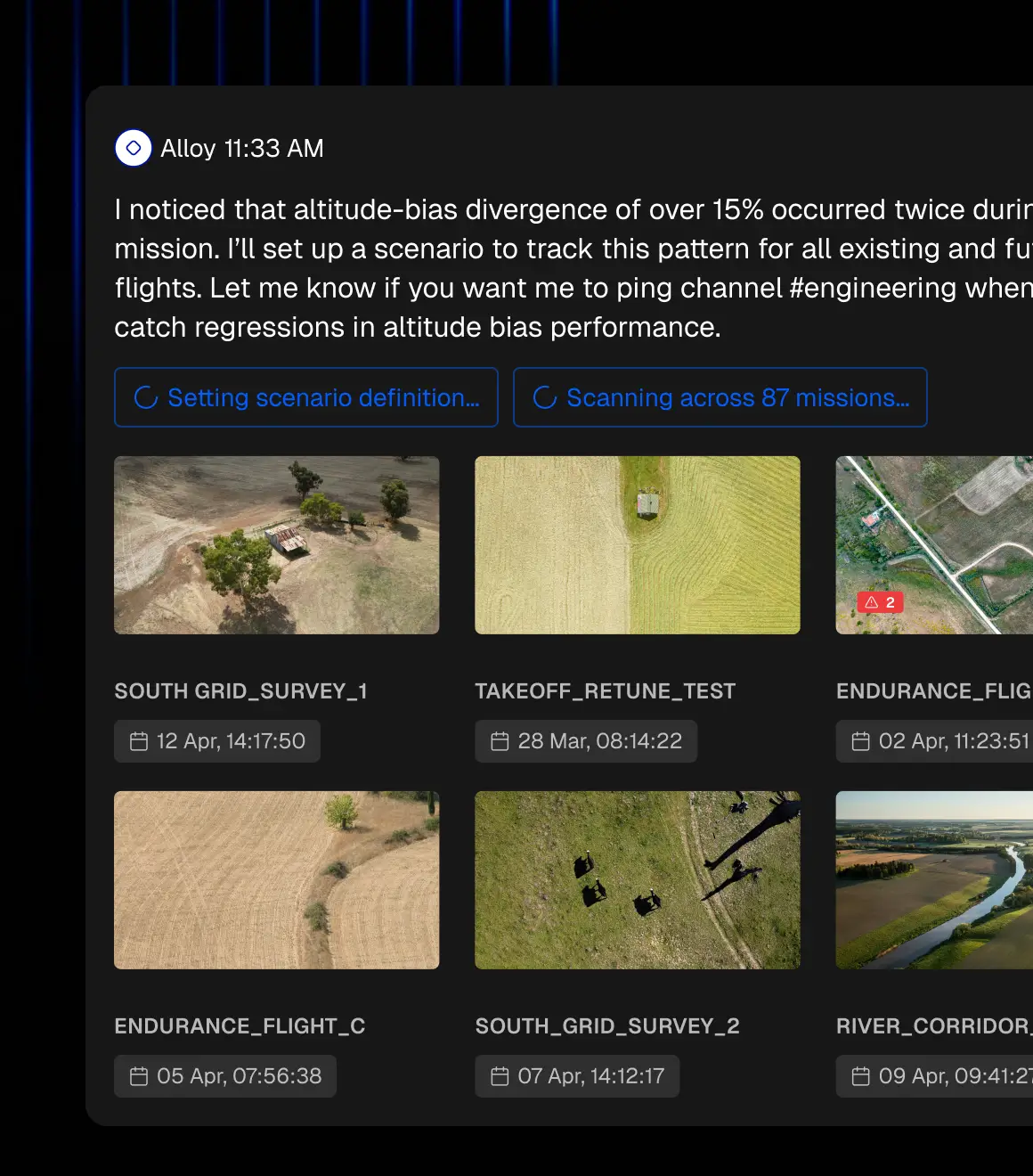
Define a pattern once. Catch it forever.
Describe what you’re looking for in plain English. Alloy scans every past mission and every future upload so you’ll know when the same pattern appears again. No need to run scripts.

Every mission, debriefed automatically.
Alloy writes reports with key events, graphs, maps and analysis, all with references to underlying raw data. Answer bespoke customer requests, summarise six months of tests, or diagnose a single sensor's malfunction. Download and share the report across your team.
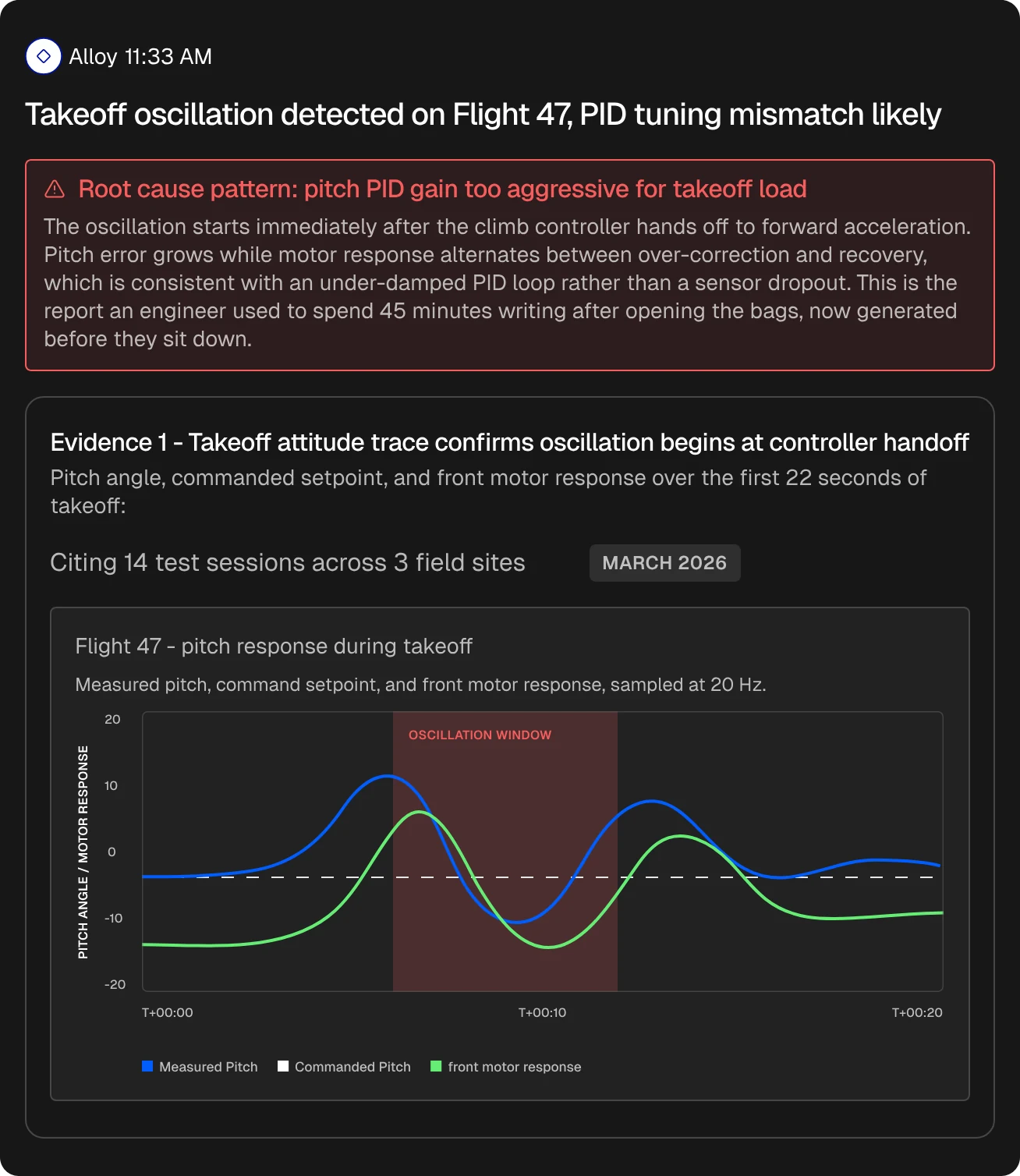

Keeps investigating after you close your laptop.
Alloy's agents run in the cloud. Hand off an investigation at 6pm and it keeps going overnight, split across every mission in parallel. You wake up to answers, not a queue.
- 6:00 PMYou hand it off
Ask Alloy a question, then close your laptop.
- OvernightAgents keep working
Cloud agents split the work across every mission in parallel.
- 8:00 AMAnswers are waiting
A report with findings linked to the raw data.
Validation teams cut their analysis time from days to minutes.
“The business justification writes itself.”Validation Manager @ Advanced Navigation
Read full case study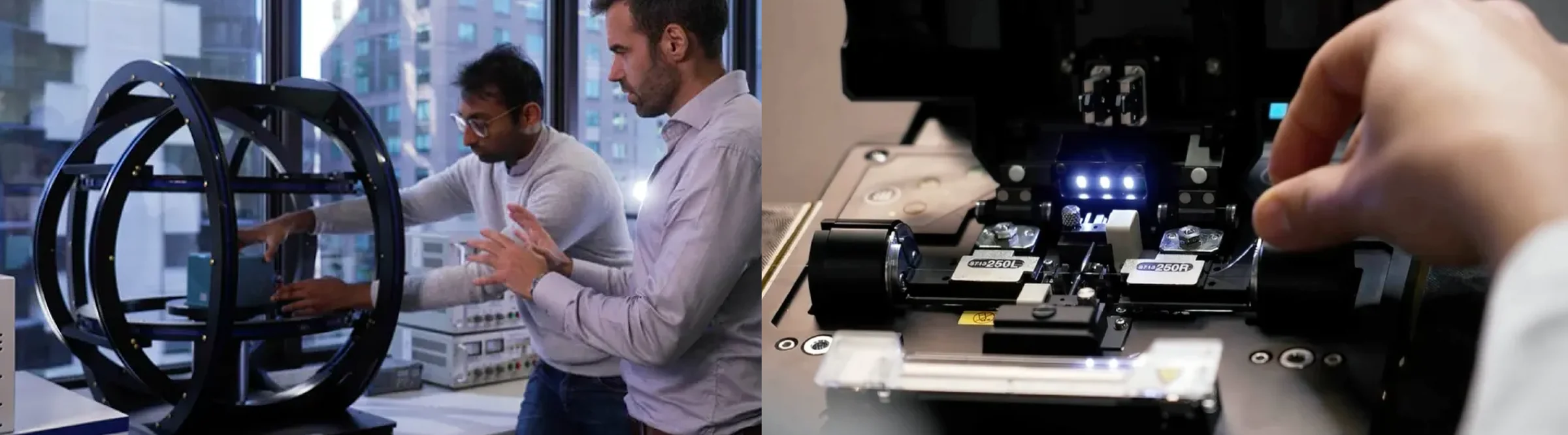
Validation teams cut their analysis time from days to minutes.
“This is much easier than manually going through logs.”Matt Spender, Robotics Systems Engineer, Puralink
 Read full case study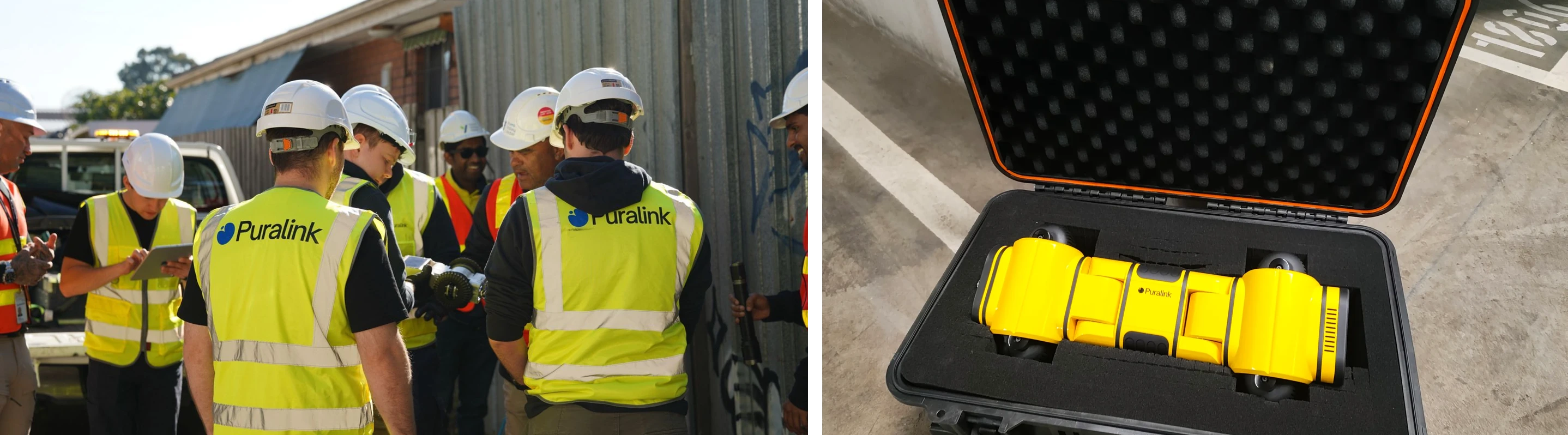
Stop stitching robot data together by hand.
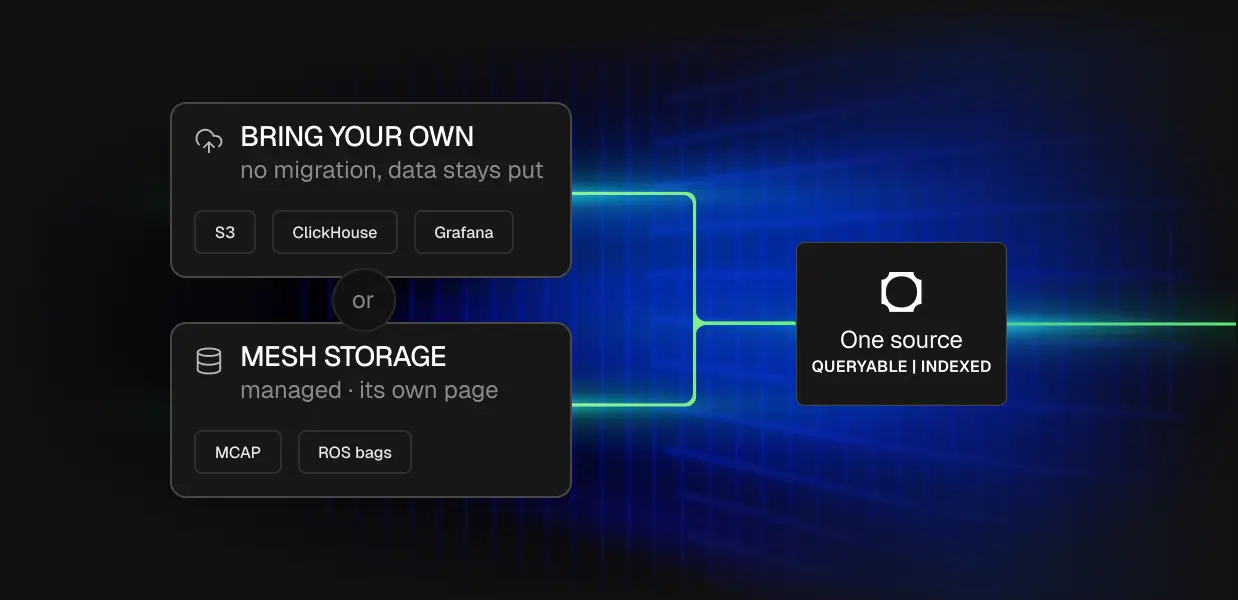
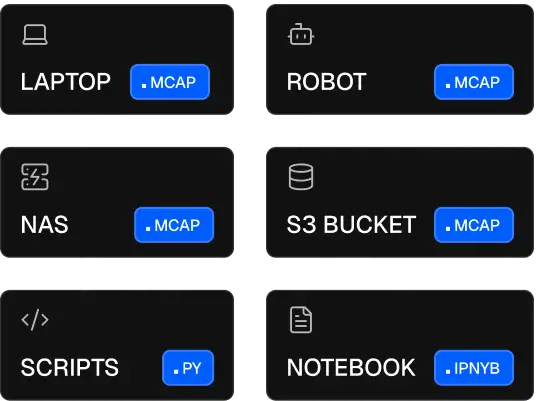
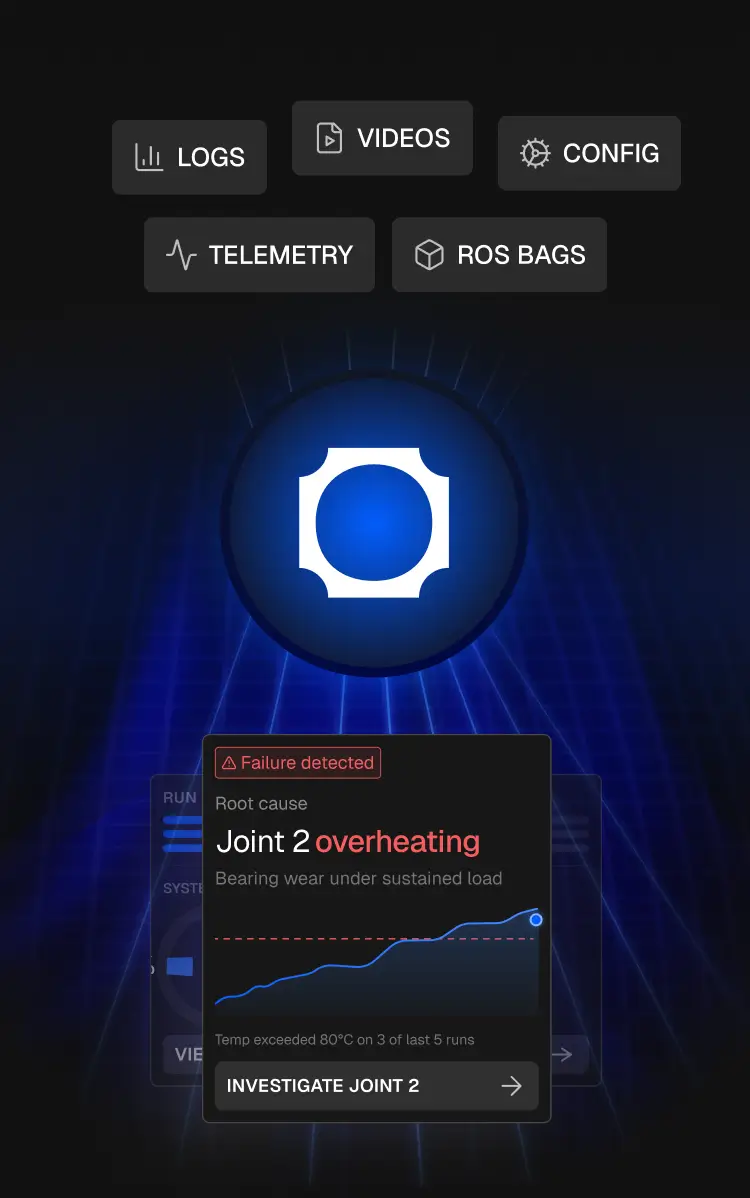
Your robot data lives everywhere: telemetry, events, logs, and recordings spread across half a dozen tools. Alloy meets it where it is: connect your own S3, ClickHouse, or Grafana, or land everything in managed Mesh Storage. Either way, it all becomes one queryable source, ready for the analysis.
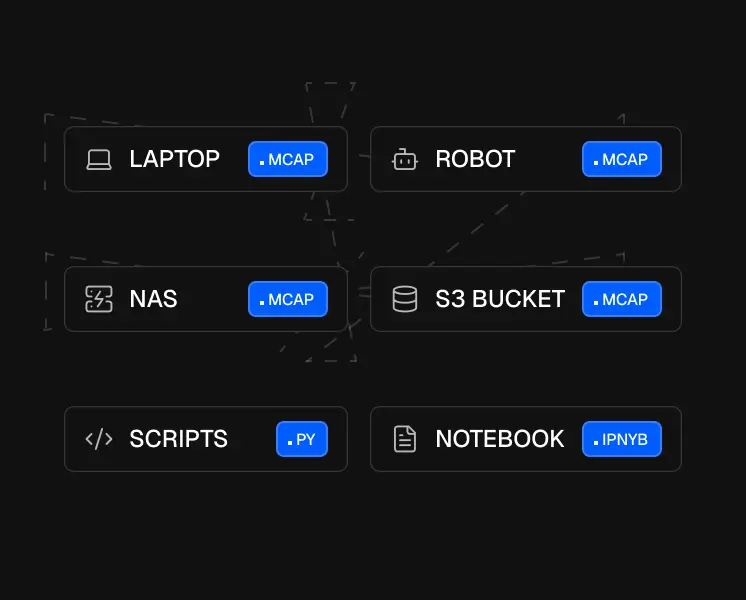
Works with the tools you already use.
Alloy connects to the tools your team already uses. Query from Slack. Push findings to JIRA. Pull code context from GitHub. Read from Clickhouse and Grafana. Works alongside your existing replay and visualization tools without replacing them.




Give your coding agent superpowers.
Codex and Claude Code are great for writing code. They can't ingest MCAP files, they burn through context before comparing 10 missions, and they forget everything between sessions. Alloy holds your entire fleet in context, remembers every investigation, and understands your data natively.

Claude Code
Claude Enterprise
~/code/usealloy.ai/
>> accept edits on (shift+tab to cycle)
Your data. Your control.
Data encrypted in transit and at rest.


Sensitive fields can be redacted on the device before data ever leaves your network. Teams in defence, medical, and compliance-restricted environments use this to stay within regulatory boundaries while still getting full platform capability.
Make the most of your robot data. Try Alloy today.
Frequently Asked
Can I find an issue in Alloy and then fix it in code?
Yes, and this is a common workflow. You can ask Alloy to analyze your data and produce a result, such as a model or a root-cause report, then hand that result to a coding agent like Codex to implement the fix. You discover the insight in Alloy, grounded in your real recordings, and ship the change in your editor, without exporting data by hand between the two.
Do I need ROS, and does it work with ROS 2?
You do not need ROS, because Alloy works with any MCAP file regardless of what produced it. If you do use ROS, the Docker edge agent supports ROS 2 (Humble and Jazzy) out of the box, and the lightweight binary agent uploads MCAP from any folder.
How much data can Alloy handle?
Alloy handles petabyte-scale robot data. A single robot can log around a terabyte a day, and Alloy is built to search across your entire fleet's history in one query, because the work happens server-side instead of loading anything into the agent's context. The more you upload, the more cross-fleet patterns it can find.
How much does the Alloy MCP cost?
Alloy is priced on storage at $0.02 per GB per month with no egress fees, so you are not charged every time you or an agent reads your data. You can start free with no credit card, and connecting AI tools through the MCP does not add per-read costs.
Do my engineers need to know SQL or write scripts to use it?
No. With the Alloy MCP, anyone on the team can ask a question in plain English and get an answer, without writing SQL or maintaining their own analysis scripts. The agent turns the question into a query for you. This replaces the scattered one-off plotting scripts engineers usually build, and lets less technical teammates get answers straight from the data.
Does the agent remember previous sessions?
Yes. Alloy keeps context about your fleet, your scenarios, and your previous investigations, so the agent picks up where you left off instead of starting fresh each session. Raw Codex or Claude forgets everything between sessions, which is one reason repeated fleet analysis is faster through Alloy.
Can I query the same data with DuckDB, Spark, or Trino?
Yes. Alloy stores recordings as Parquet in an open Iceberg catalog, so the same data the MCP queries is available to DuckDB, Spark, Trino, and PyIceberg directly. The MCP queries this lake with read-only SQL, and your other tools can read it in parallel with no exports.
Which AI clients work with the Alloy MCP?
The Alloy MCP works with any MCP-compatible client. It has been used with Claude Code, Claude Desktop, Codex, Cursor, Windsurf, ChatGPT, and Notion AI. One server connects to many agents, so engineers can stay in whatever tool they already use.
Ask a question here