Natural language queries on your tests
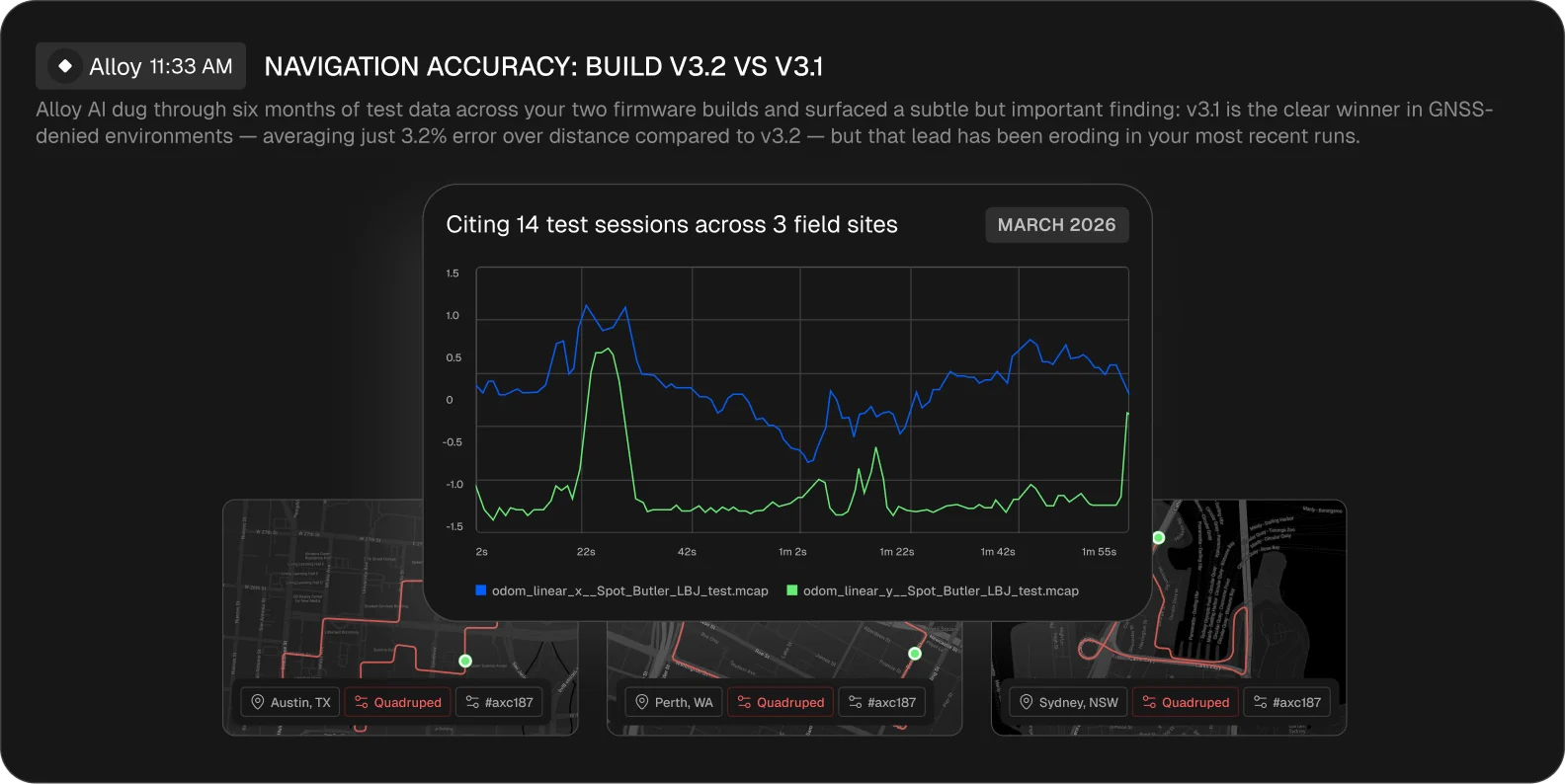
Ask questions across your full validation history. Compare builds, find regressions, investigate anomalies. Alloy returns cited answers you can verify.
Upload field test data in any format. Get automated reports, regression checks, and root cause analysis, in minutes. Query your entire test history in plain English.

Find hidden insights in your robot data, without any scripts or messy pipelines.
Ask questions across your full validation history. Compare builds, find regressions, investigate anomalies. Alloy returns cited answers you can verify.
Every upload generates a structured report like error analysis, cross-test comparisons, performance metrics. Share the link directly with stakeholders.
Track performance across software builds and device configurations. Surface regressions automatically instead of discovering them in the field.
Investigate failures across your historical data. Alloy correlates signals, identifies patterns, and traces issues to their source.
Every validation becomes a permanent, indexed record. Find past tests by device, build, date, or condition without digging through file paths.
ROS bags, MCAP, custom binary, CSV, Parquet — Alloy ingests robotics data in any format. No conversion scripts.
step one Upload
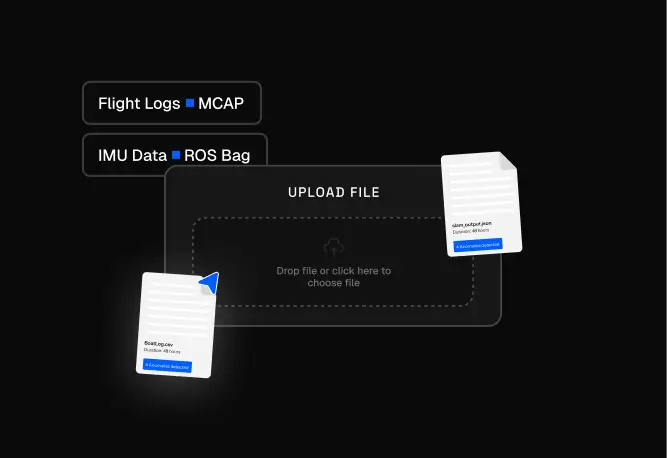
Push data directly from the robot, the lab, or the office. Any format. Customise it as required. Runs automated.
step Two Report generated
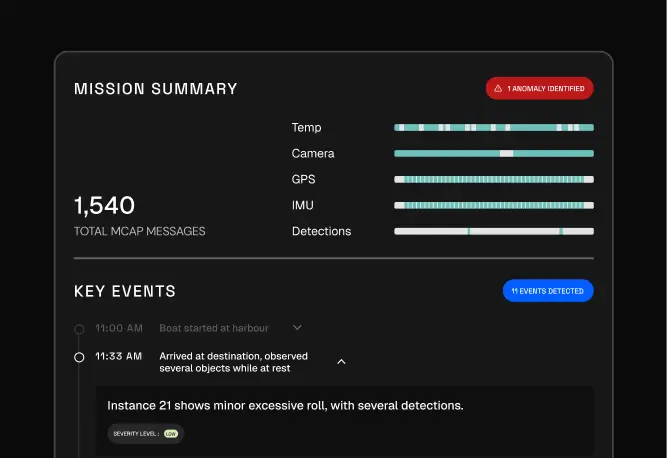
Alloy processes uploads and generates analysis within minutes. Share report links with others. Your library of field reports.
step Three query answered
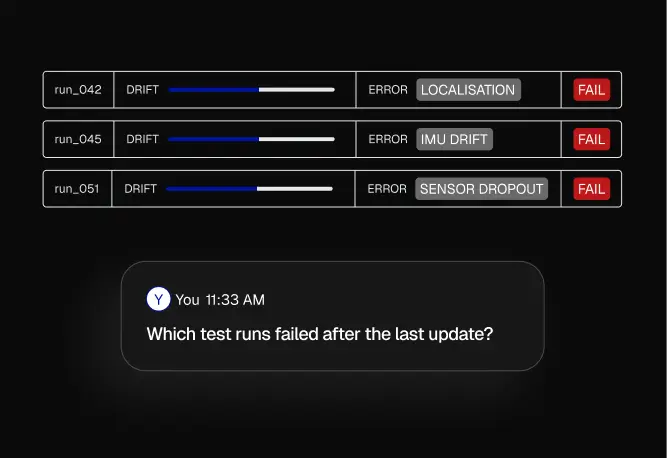
Ask anything across your test history. Alloy runs the analysis and cites its sources so you can verify every answer.
“The business justification writes itself.”Validation Manager, Advanced Navigation
 read full case study
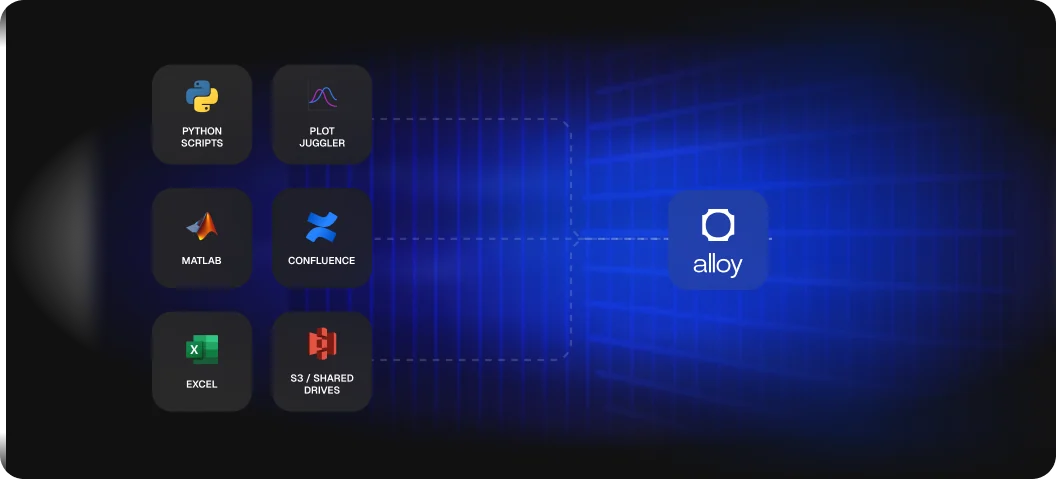
Every validation team builds some version of this stack. Scripts for processing, tools for plotting, wikis for reporting. Alloy handles all three.
Coordinate transforms, error calculations, chart generation. Handled automatically on every upload.
Single-run tools that require manual setup. Alloy generates visualizations across your full test history.
Alloy reports are shareable links. Stakeholders explore them directly. No more building wiki pages.
If your team runs field tests and validates system performance, Alloy handles the data pipeline from test to insight.


ROS bags (.bag, .db3), MCAP, controller logs, Parquet, CSV, JSON and custom binary formats, even when schemas change between firmware versions. No conversion scripts or preprocessing required.
Yes. Alloy is built for robotics-scale data. Storage is backed by Cloudflare R2 with no egress fees, so you are not penalized for querying your own data. The more data you upload, the more useful the search and analysis becomes.
Yes. Alloy is SOC 2 Type II audited, supports HIPAA requirements, and is aligned with NIST SP 800-171. Data is encrypted in transit and at rest, and it is never shared across customers. Sensitive fields can be redacted on the robot, and teams whose data can't leave their environment can run Alloy in their own cloud or on-premise.
Two ways, and neither is a project for your team. Upload a recording and get your first report in minutes, or give us access to the robot data you already have and our engineers connect it and run Alloy's first investigations on your recent issues. Teams usually get time back from the first week.
Foxglove shows an engineer one recording. Alloy finds out why a robot failed: its agents search logs, telemetry and recordings across your whole fleet and answer with the evidence attached. Many teams keep Foxglove for viewing and run Alloy alongside it.
Alloy replaces the custom scripts, manual charting, and wiki-based reporting that most validation teams maintain. It works alongside your existing infrastructure. You can keep using Grafana, Jira, Slack, or S3. Alloy connects to what you already have.
Yes. Reports are shareable links that anyone can explore. Product managers, leadership, and sales teams can query data in plain English without needing to know Python, MATLAB, or ROS tooling.
Upload a ROS bag, MCAP, or CSV. Get your first report in minutes. Free to start.