RCA on every stop
Define what matters to your line. Your checks, your stop reasons, your thresholds. Runs automatically on every incident.
Know what changed before the stop, whether it has happened before, and what fixed it last time. In minutes, not a shift.

Unplanned downtime costs automotive plants up to $2.3M an hour (Siemens, 2024). Alloy gets you to root cause without Excel exports, trend screens, or the shift logbook.
Define what matters to your line. Your checks, your stop reasons, your thresholds. Runs automatically on every incident.
Compare runs before and after every recipe, program, or configuration change. See exactly when behaviour shifted.
Every engineer and every shift gets the same history. Natural language, cited answers.
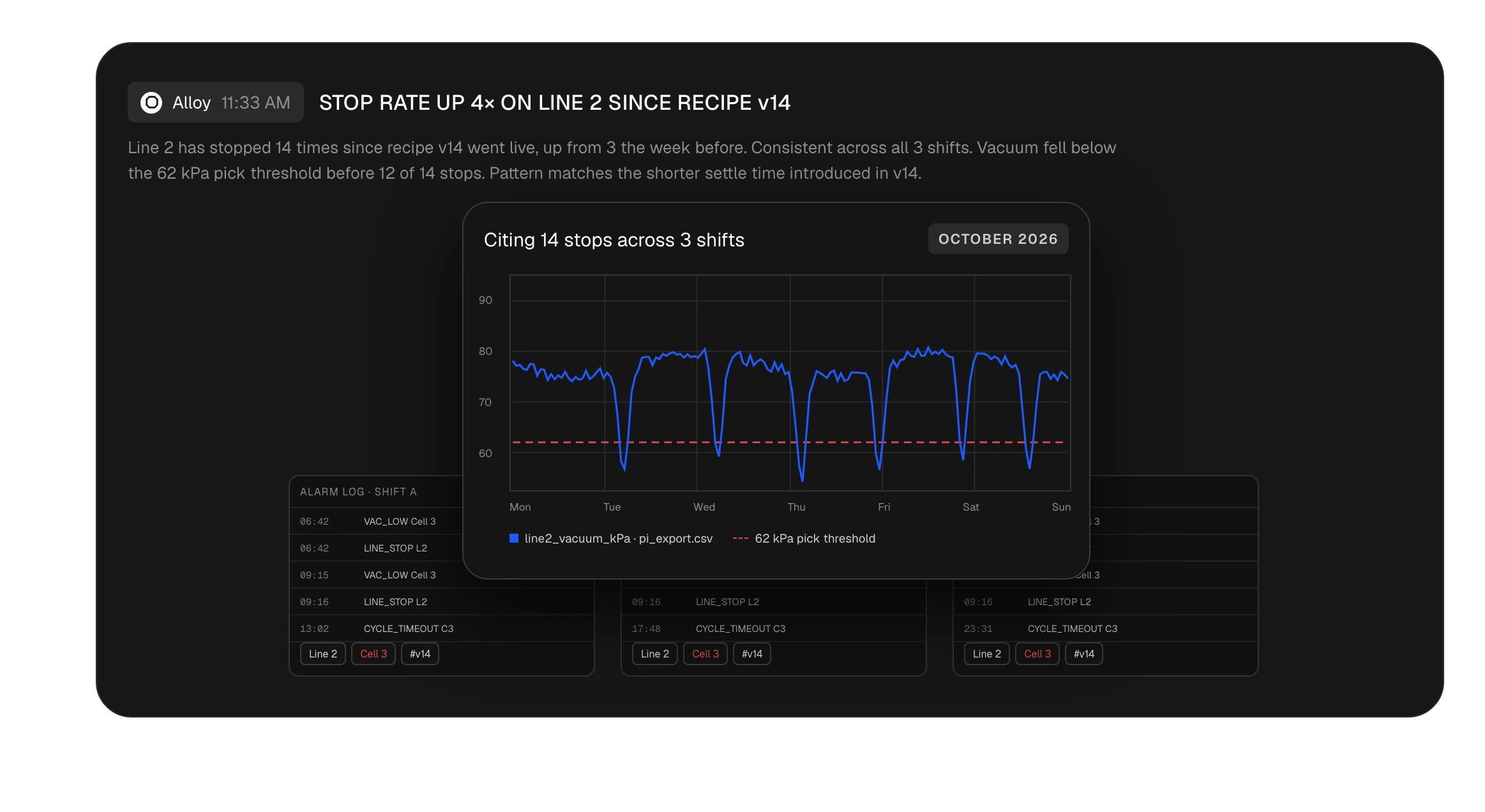
One stop looks random. Fifteen show a pattern. Search your full history for repeat failures no single review catches.
Alloy watches new data for the patterns behind past stops and flags them in Slack before they turn into downtime.
PI and Ignition exports, CSV, Parquet, TDMS, MDF4, alarm logs, PLC exports. No conversion scripts.
step one Upload
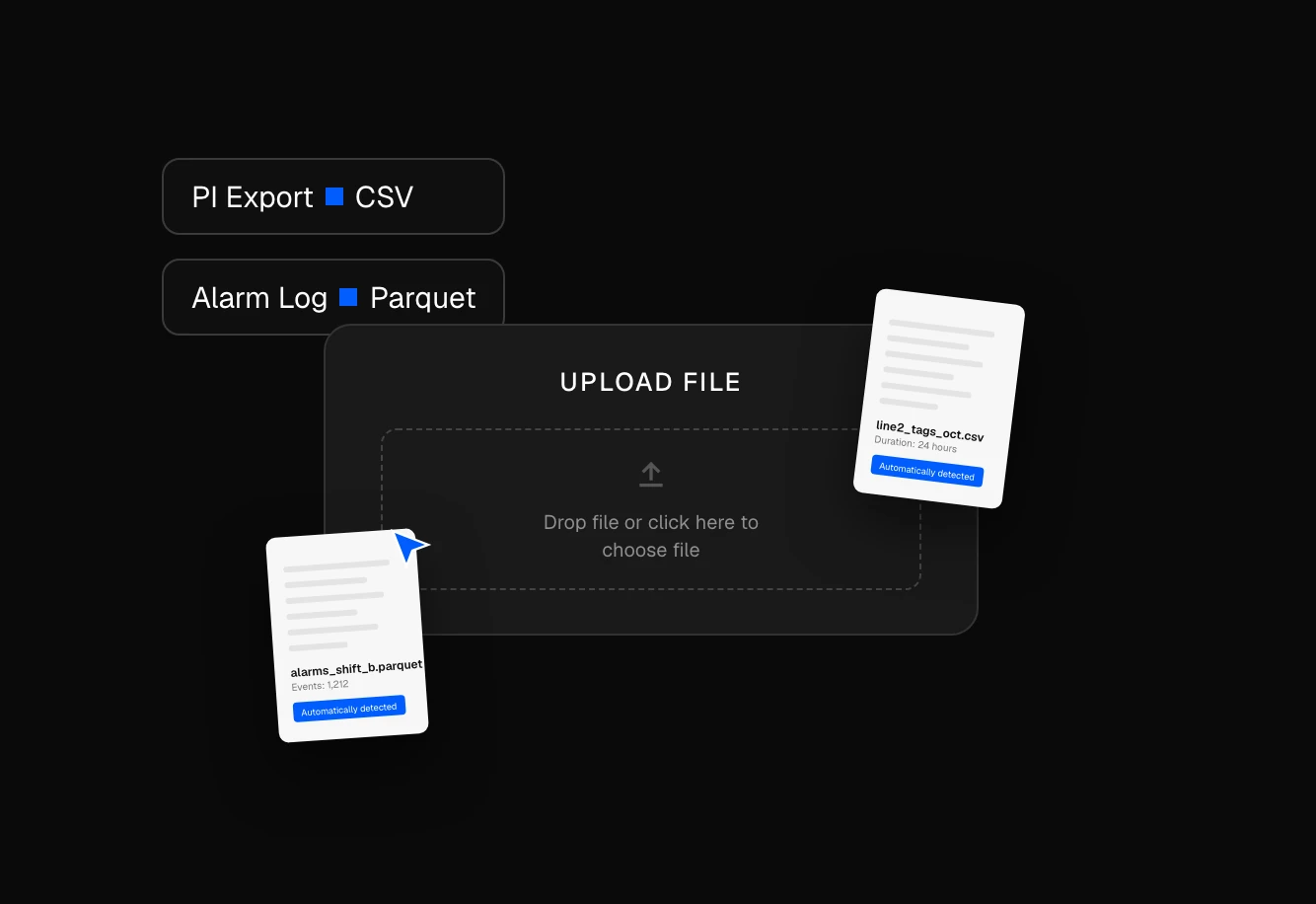
Export from your historian, or drop in alarm logs and PLC exports. Read-only, never touches the PLC.
step Two Timeline built
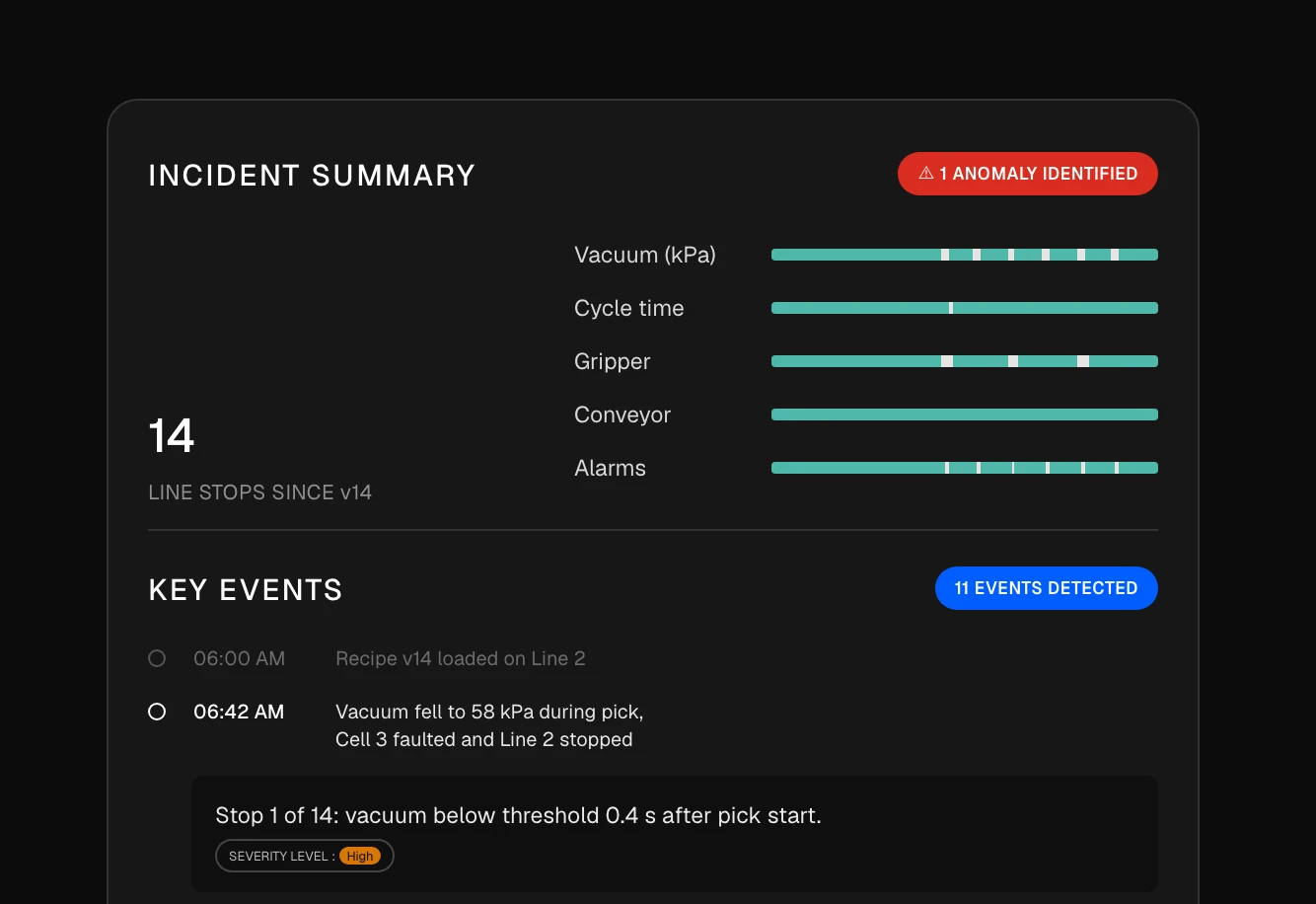
Alloy lines up alarms, trends, and changes into one sequence of events within minutes. Share the link with the next shift.
step Three query answered
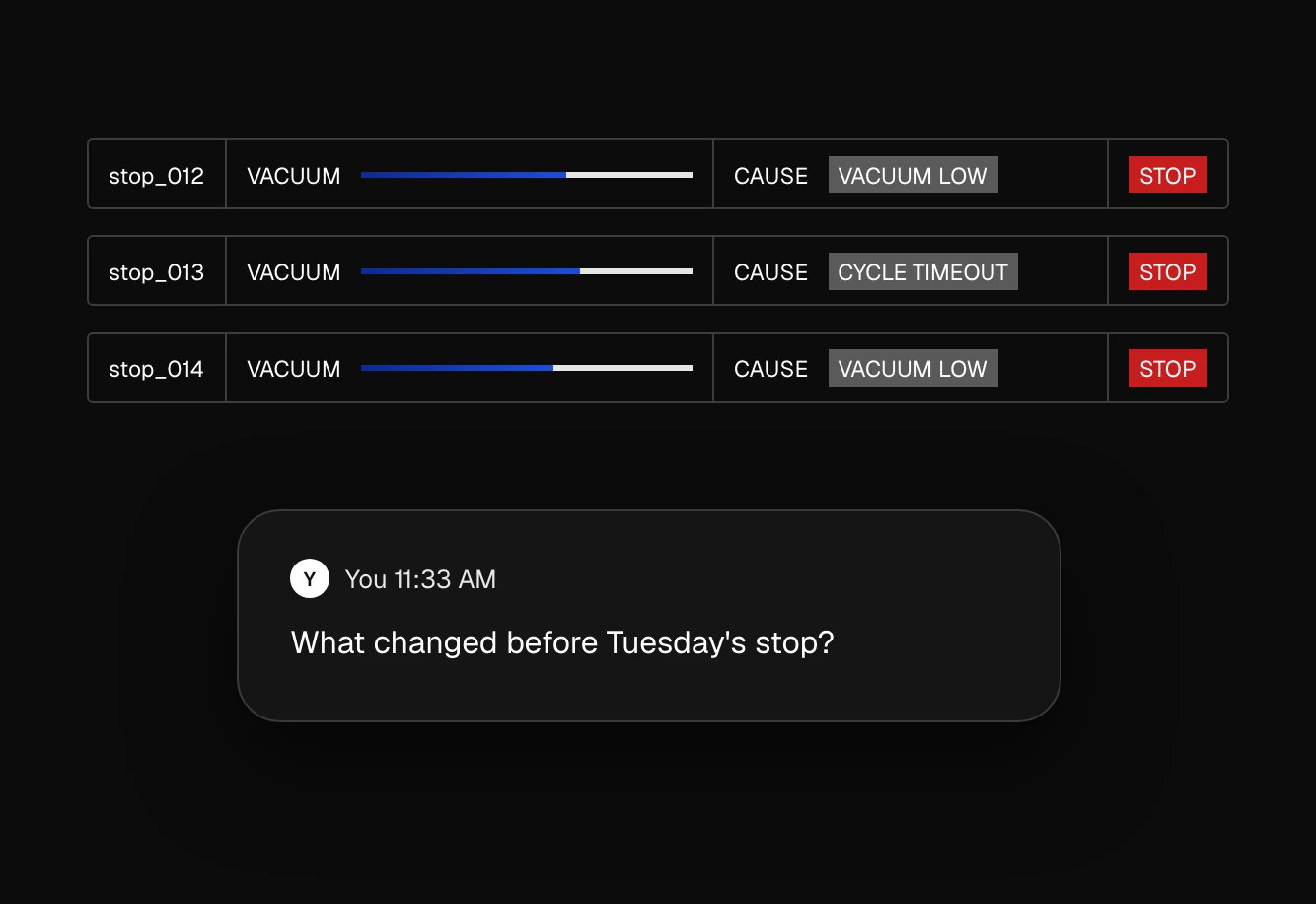
Ask "what changed before Tuesday's stop?" Alloy runs the analysis and cites its sources so you can verify every answer.
Every controls engineer builds some version of this stack. Exports for data, trend screens for plots, a logbook for history. Alloy handles all three.
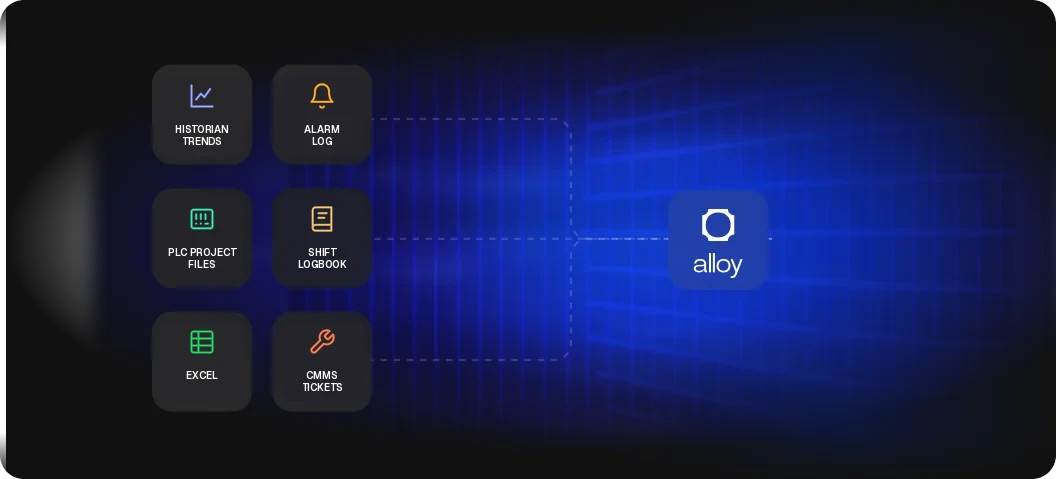
Pulling tags, lining up timestamps, building charts. Handled automatically on every upload.
One tag, one time window, manual setup. Alloy compares across every stop in your history.
What fixed it last time lives in one person's head. Alloy makes it searchable for every shift.
From robotic cells to battery lines, Alloy turns every stop into a cited root cause.

Export a day of data from your historian, or drop in alarm logs and machine recordings. Alloy reads the formats automatically, so you can ask your first question within minutes. There is no integration project and nothing to install on the control network.
Anyone on the team. Findings are shareable links. Production managers, maintenance, and quality can ask questions in plain English without knowing tag names or historian query tools.
No. Alloy works on data exported from the systems you already run. It replaces the manual part of troubleshooting, such as Excel exports, trend-screen digging, and logbook searches. Your SCADA, historian, and MES stay as they are.
Every answer cites the exact tags, alarms, and time windows it used. Click through to the underlying data and check it before anyone acts on it.
Historian exports from PI, Ignition, and others as CSV or Parquet, plus TDMS, MDF4, HDF5, JSON, alarm and event logs, PLC program exports, MCAP, and custom binary formats. No conversion scripts or preprocessing required.
No. Alloy is read-only and works on data you export, so it never writes to a PLC or connects to the control network. Alloy is SOC 2 Type II compliant. Your data is encrypted in transit and at rest, and it is never shared across customers or used for model training.
Send us your last line stop. We'll show you the root cause.